ArcGIS Online Service
Administration > System Setup > System Settings > Residence Verification Settings
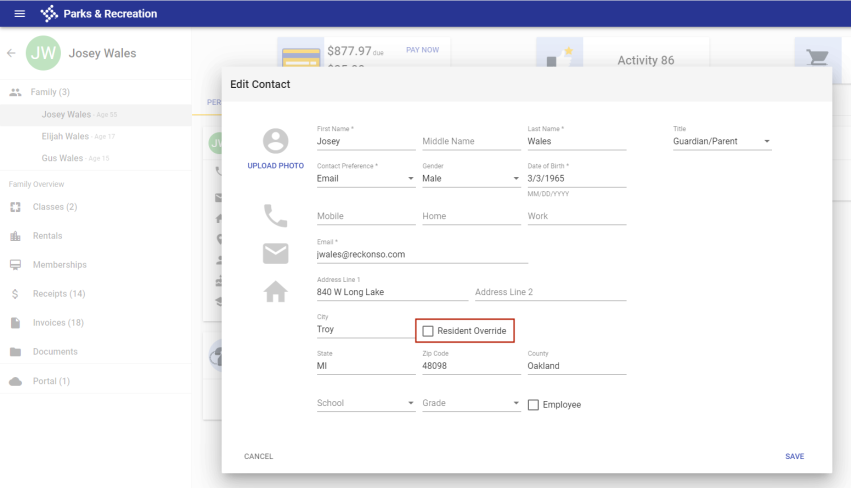
With service pack 2020.1, the Resident Verification Settings section on the System Settings page has been enhanced to allow the use of an ArcGIS Online service to update the residency status of all contacts who do not have the  Resident Override option selected in Contact Management.
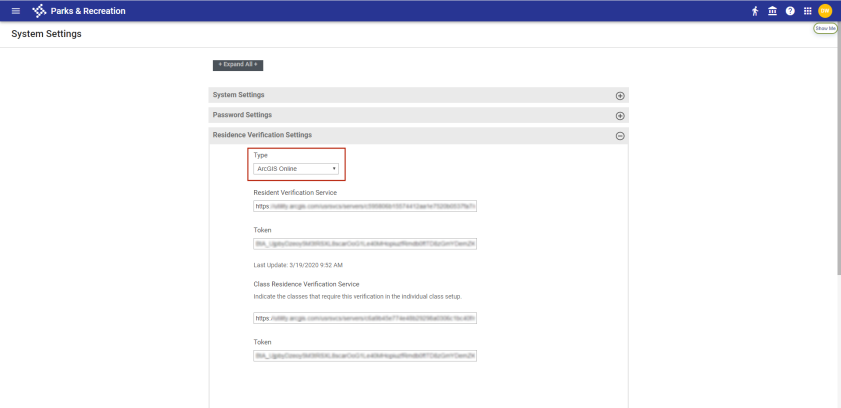
Select this service from the new Type drop-down:
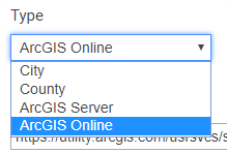
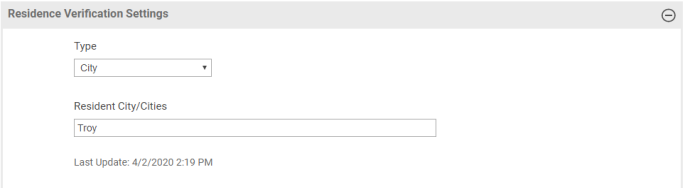
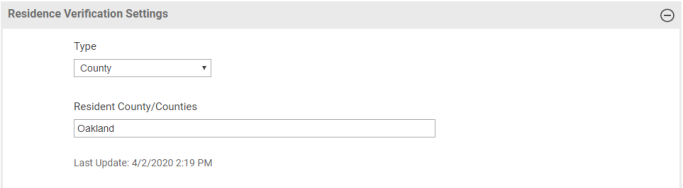
To ensure that one method of residency verification is active at a time, the drop-down also contains selections for the previously existing City, County and ArcGIS Server verification methods:
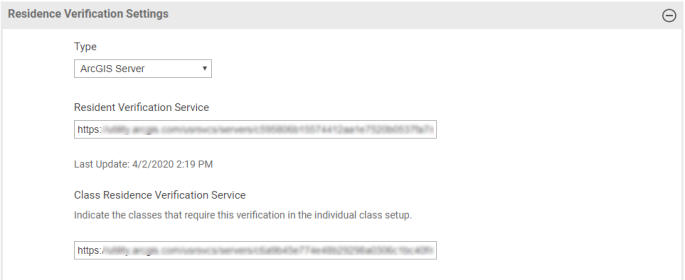
 ArcGIS Server
Note: For ArcGIS Server, the search query requires a standard data format of Address 1 + Zip.
For the ArcGIS Online selection, unique URLs and tokens may be associated with the Resident Verification Service and the Class Residence Verification Service:
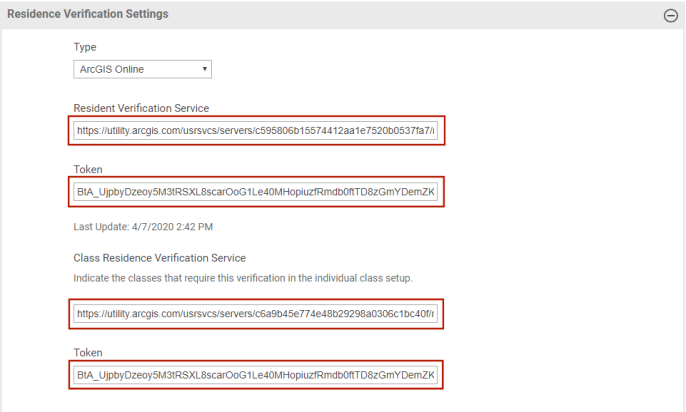
Note: The Resident Verification Service and Class Residence Verification Service URLs are unique for the locations defined within the Esri GIS software .
Note: For modifications pertaining to the 2021.1.3 service pack, click here.